Connecting your data
How Connect links the tools you already use so Verinode can analyze your work automatically.
Overview
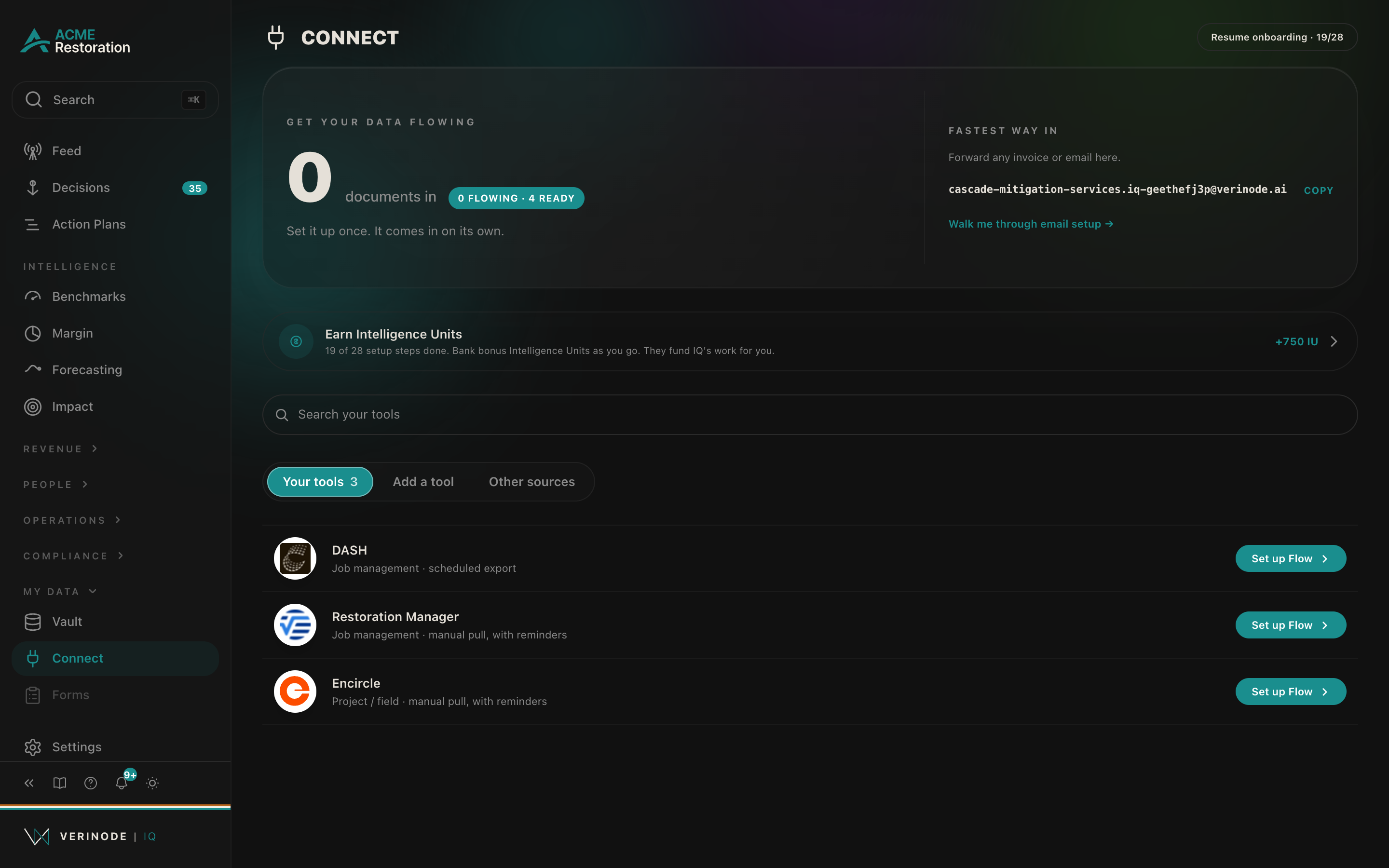
Connect links the tools you already run to Verinode so your data flows in without manual work. Verinode reads from these tools to build your benchmarks and process insights. It never writes back or changes anything in them.
Where to find it
Open Connect from the sidebar at iq.verinode.ai/connect. Each available connection shows what it brings in and how to set it up.
How it works
- 1Choose a tool you use for jobs, accounting, or documents.
- 2Authorize a read-only connection.
- 3Verinode begins analyzing the data that flows in, and your sections populate over the next day.
Note
Connections are read-only by design. Verinode analyzes your data; it does not manage your jobs or push changes back into your systems.
Best-practice example
Start with whichever tool holds your invoices or your job list. That single connection populates your cost benchmarks and the first process insights, which are the fastest way to see value.
Data sources
Data sources
- 1.Your connected tools. Your business.