Forwarding documents to Verinode
Send invoices, estimates, and reports to your Verinode inbox and let extraction do the rest.
1 min read·Updated October 13, 2026
Overview
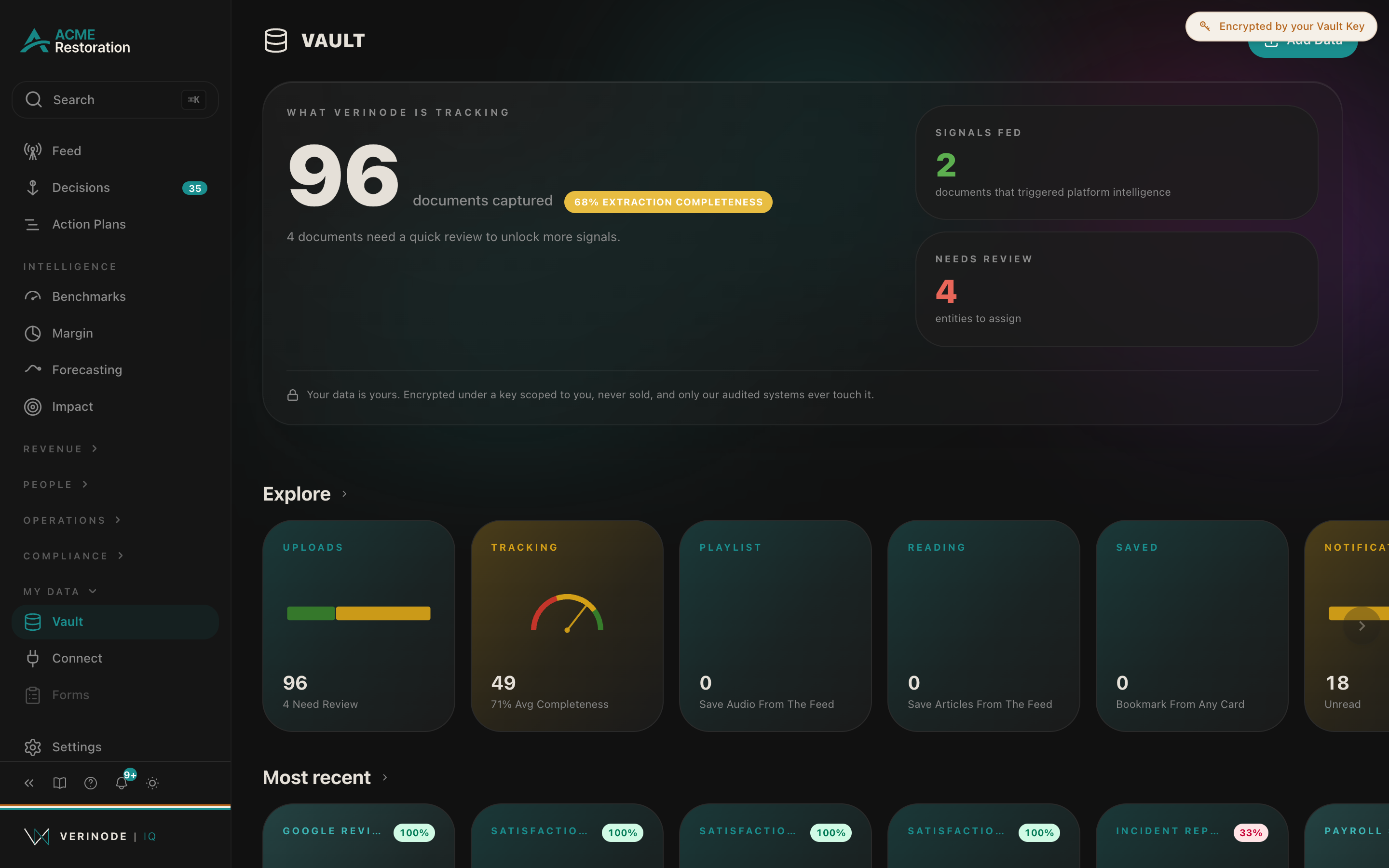
The fastest way to get data into Verinode is to forward documents to your Verinode inbox address. Verinode reads each document, extracts the useful figures, and files them in the right section.
Where to find it
Your inbox address and a manual upload option live under Data at iq.verinode.ai/data. You can forward from your email client or drag files in directly.
How it works
- 1Forward an invoice, estimate, or report to your Verinode inbox address.
- 2Verinode extracts the figures and attaches them to the right vendor, client, or job.
- 3The result appears in the relevant section, usually within a few minutes.
Best-practice example
Forward a month of vendor invoices in one batch. Verinode positions your material and labor costs against peers and flags any vendor whose pricing is drifting.
Data sources
Data sources
- 1.Your forwarded and uploaded documents. Your business.
Related articles
Was this helpful?